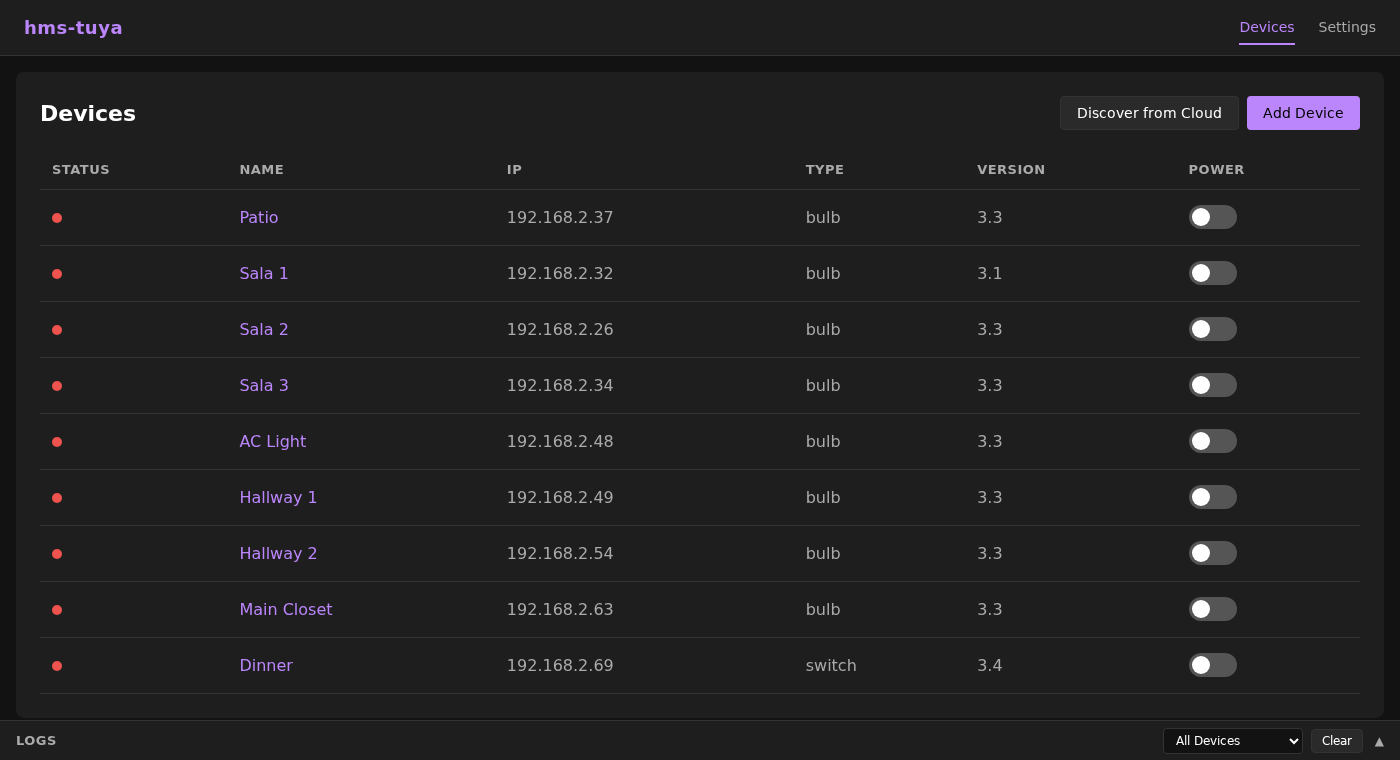
Half the cheap smart home gear on Amazon is secretly Tuya on the inside. The plugs, the switches, the little breakers, all of it. It is genuinely good hardware for the money. The problem is what happens when you press the button.
Out of the box, every on and off makes a round trip to Tuya's cloud. You tap your phone, the command flies off to a server somewhere far away, and that server turns around and tells the plug in your living room to switch on. The plug is three meters from you, and the instruction went around the planet to get there. That buys you a delay you can actually feel, a hard dependency on your internet staying up, and a quiet little log of when you turn things on and off leaving your house.
I wanted none of that. Here is the good news I went looking for and found: Tuya devices also speak a local language, right there on your own network, and once you have pulled a few secret values out of them, you never have to touch the cloud again.
Two kinds of Tuya, two ways in
Tuya gear comes in two flavors, and they need different handling.
The WiFi ones (most plugs and switches) talk the local Tuya protocol straight over your LAN. You can query them and command them directly by IP, no middleman involved. I keep a small C++ library and an MQTT bridge that do exactly this, so the devices land in Home Assistant as ordinary switches.
The Bluetooth ones (a lot of the breakers work this way) are the fussy ones. They pair using SMP and wrap their commands in AES-CBC encryption, so you cannot simply shout commands at them. For those I use a tiny ESP32-C3 as a bridge: it does the pairing and the handshake once, then hands Home Assistant a clean, boring switch over MQTT. From the dashboard you would never guess there was anything unusual underneath.
Getting the keys
Both paths need a handful of values from the Tuya cloud, but only once, just to
learn the identity of each device. The easiest way to grab them is a tool called
tinytuya:
pip install tinytuya
python -m tinytuya wizard
The wizard walks you through it and hands back the Device ID, the Local Key, the UUID and the MAC. That is everything the local protocol needs. After that you can close the Tuya app and forget it exists.
Why bother
- It is instant. No trip to the cloud, the switch flips at local network speed.
- It is private. The commands and the on/off history never leave your house.
- It keeps working. The internet drops and your automations carry on anyway.
- No lock-in. It is open firmware you can read, change and own.
All of it is open source, so you are very welcome to wire it up yourself:
- nanotuya, the C++ library for the Tuya WiFi local protocol
- hms-tuya, the MQTT bridge that puts those WiFi devices into Home Assistant
- hms-esp-tuya-ble, the ESP32-C3 BLE-to-MQTT bridge for the Tuya breakers And if you would rather skip the pairing puzzles and just plug in a bridge that already works, I build those too. Either way, your smart home stops phoning home.